Accountants and bookkeepers spend their days managing other people's books — but when it comes to running their own practice, most rely on an awkward combination of MYOB Practice or Xero HQ for client work, a separate CRM or spreadsheet for prospect tracking, Calendly for appointment booking, and Outlook for everything else. The irony is that the professionals who keep everyone else's finances in order often have the messiest internal systems. OneBookPlus gives accounting practices a single platform for client management, appointment booking, invoicing, team coordination, and BAS preparation — so you can run your own firm as efficiently as you run your clients'.
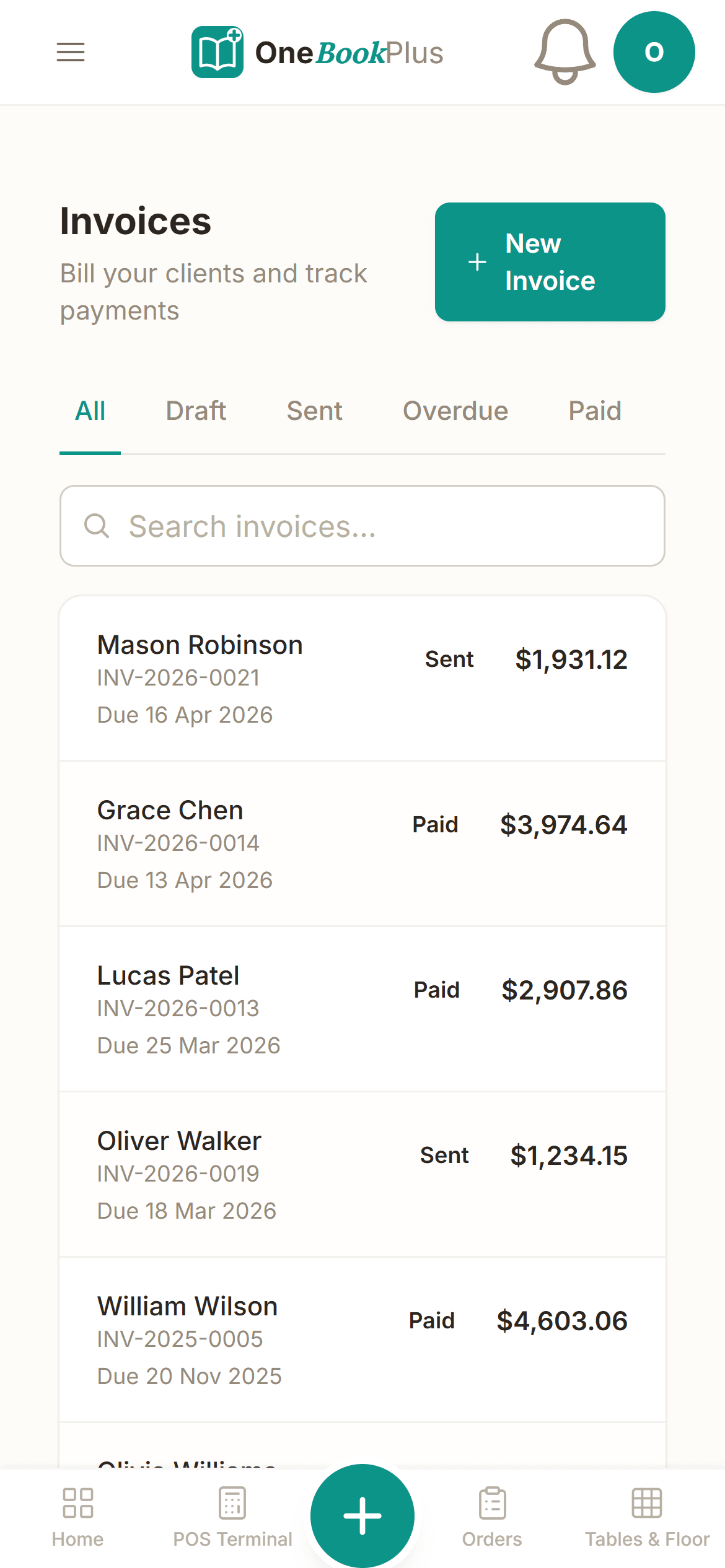
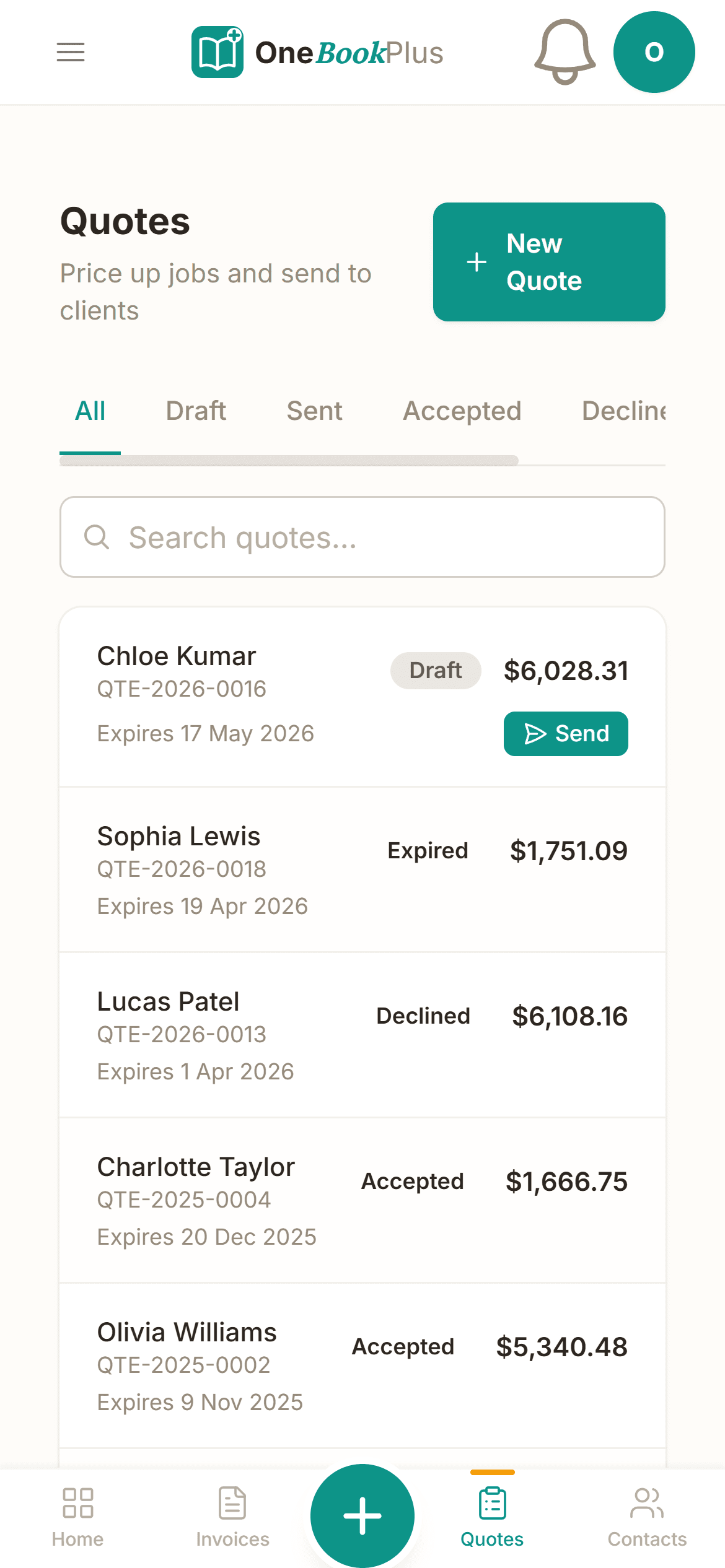
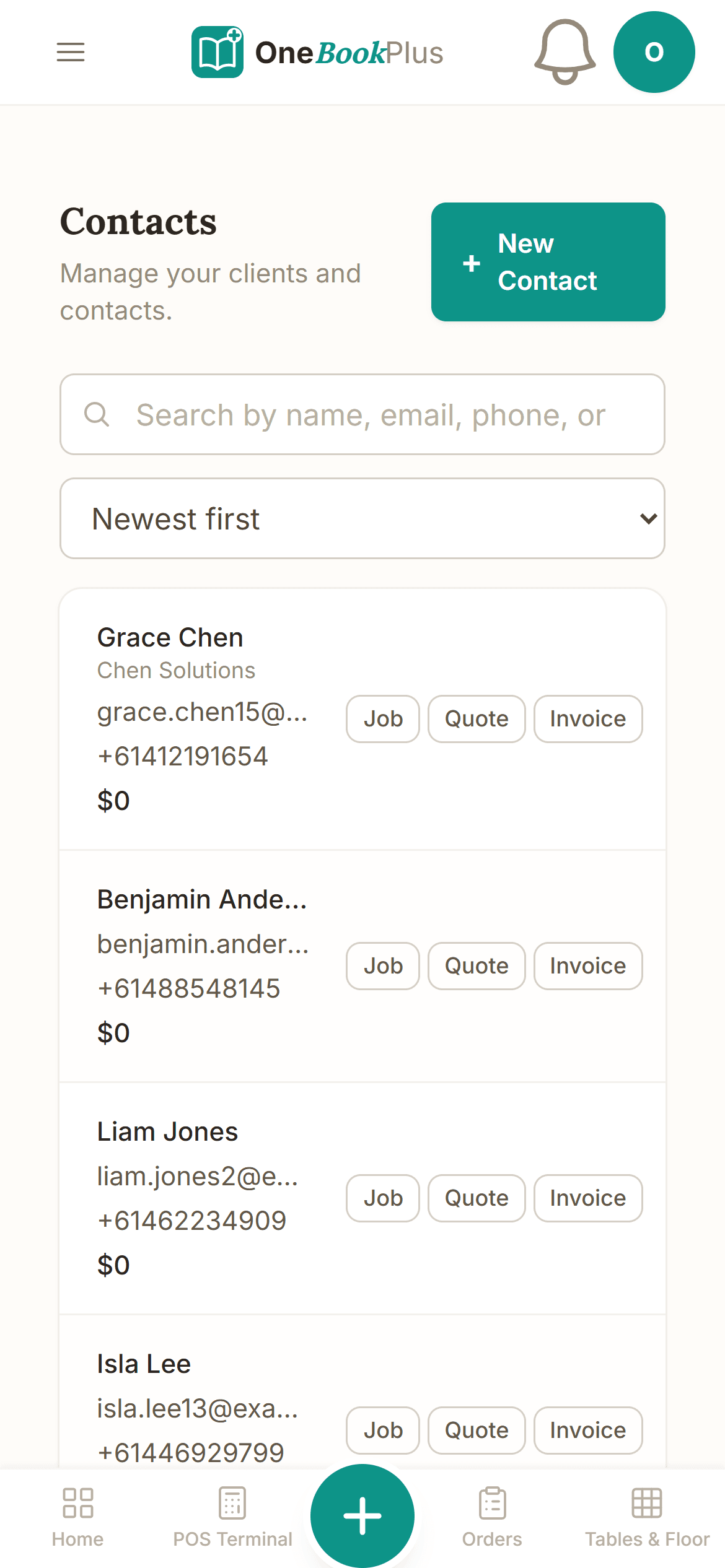
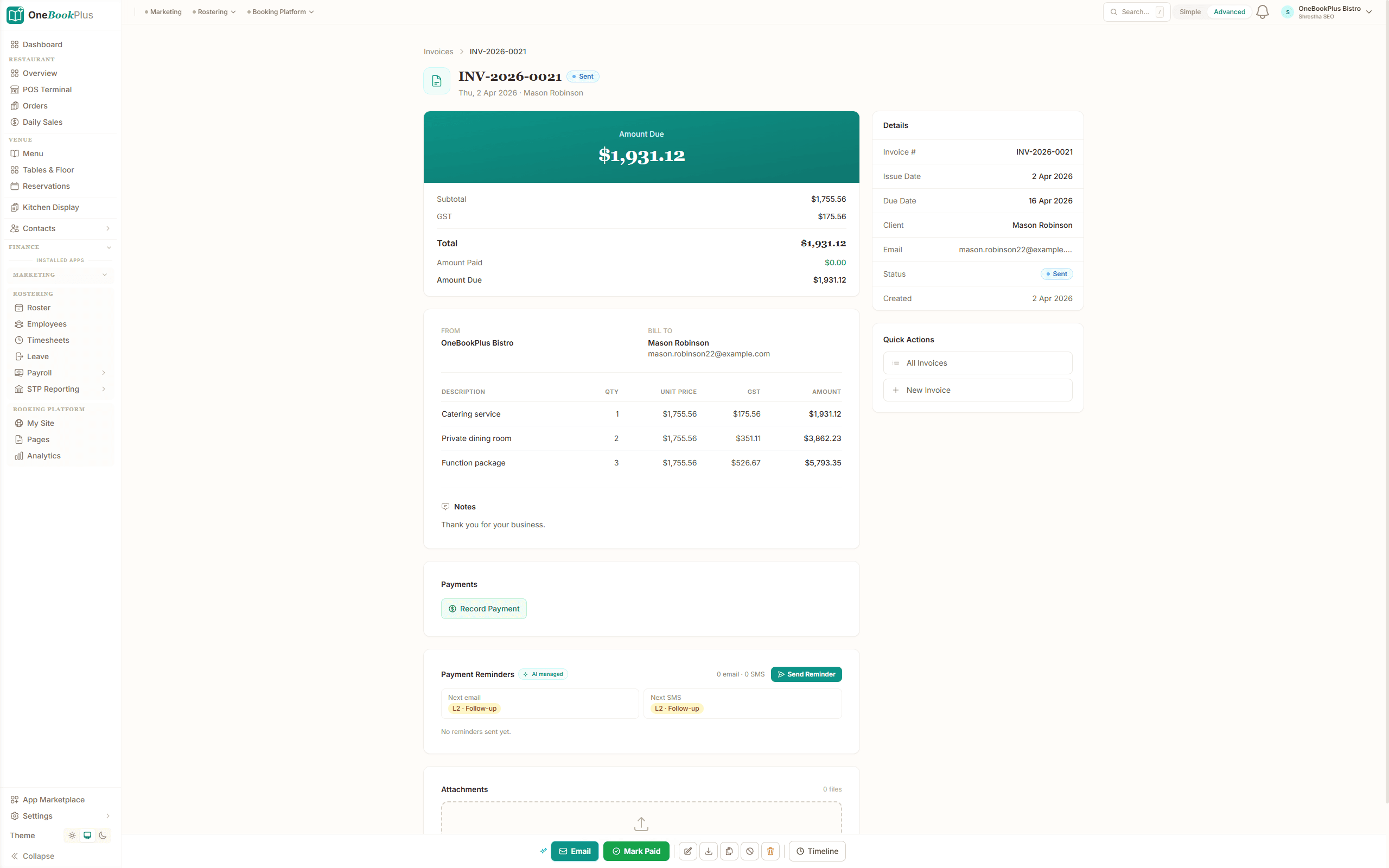
The platform is designed around the practice workflow, not just the client ledger. You manage your entire client base in one CRM — contact details, entity structures, engagement types, lodgement due dates, and communication history. Clients book meetings through your branded online booking page, which syncs with Google Calendar to prevent double-bookings. When work is completed, you convert tracked time or fixed fees into a GST-compliant invoice with one click. The client receives a professional PDF with a payment link. Automated reminders chase overdue invoices so you can focus on billable work instead of collections.
Your Daily Workflow
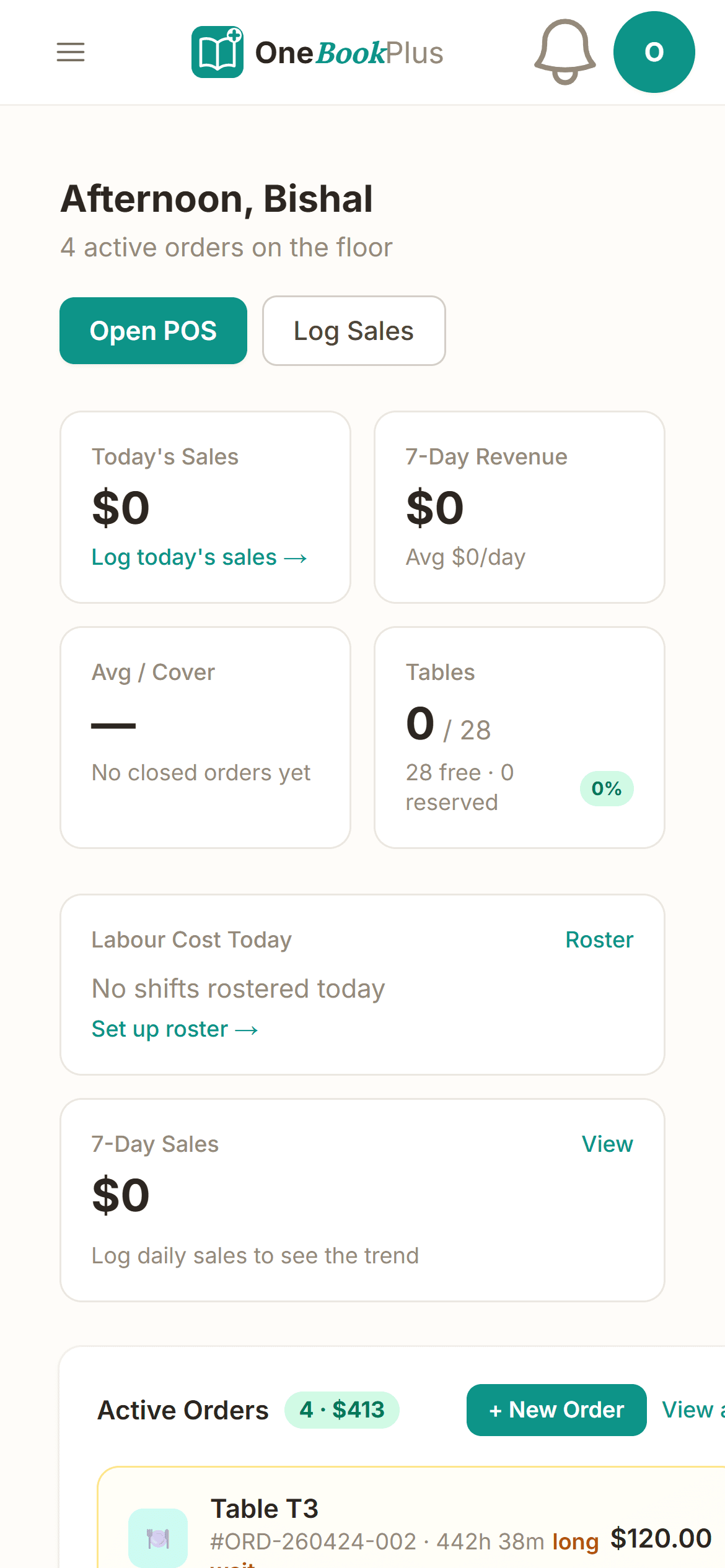
Picture BAS season. You open your OneBookPlus dashboard at 8am — fourteen BAS lodgements due this week across your eighty-five clients, sorted by deadline. For each client, you pull up their account: revenue from invoices, expenses logged, and bank transactions reconciled. The BAS figures — G1, 1A, G11, and 1B — are populated from the data. You review, adjust where needed, and validate against ATO rules. By lunch, you've lodged seven returns. Each client gets an automatic email with their BAS summary and lodgement receipt — no manual PDF generation or separate email tool. In the afternoon, you invoice the morning's work at $180 per BAS lodgement, GST included. Payment links go out with the invoices. Three clients pay before end of day. Your practice dashboard shows monthly revenue trending 15% above last quarter.
Bank Feeds & Accounting
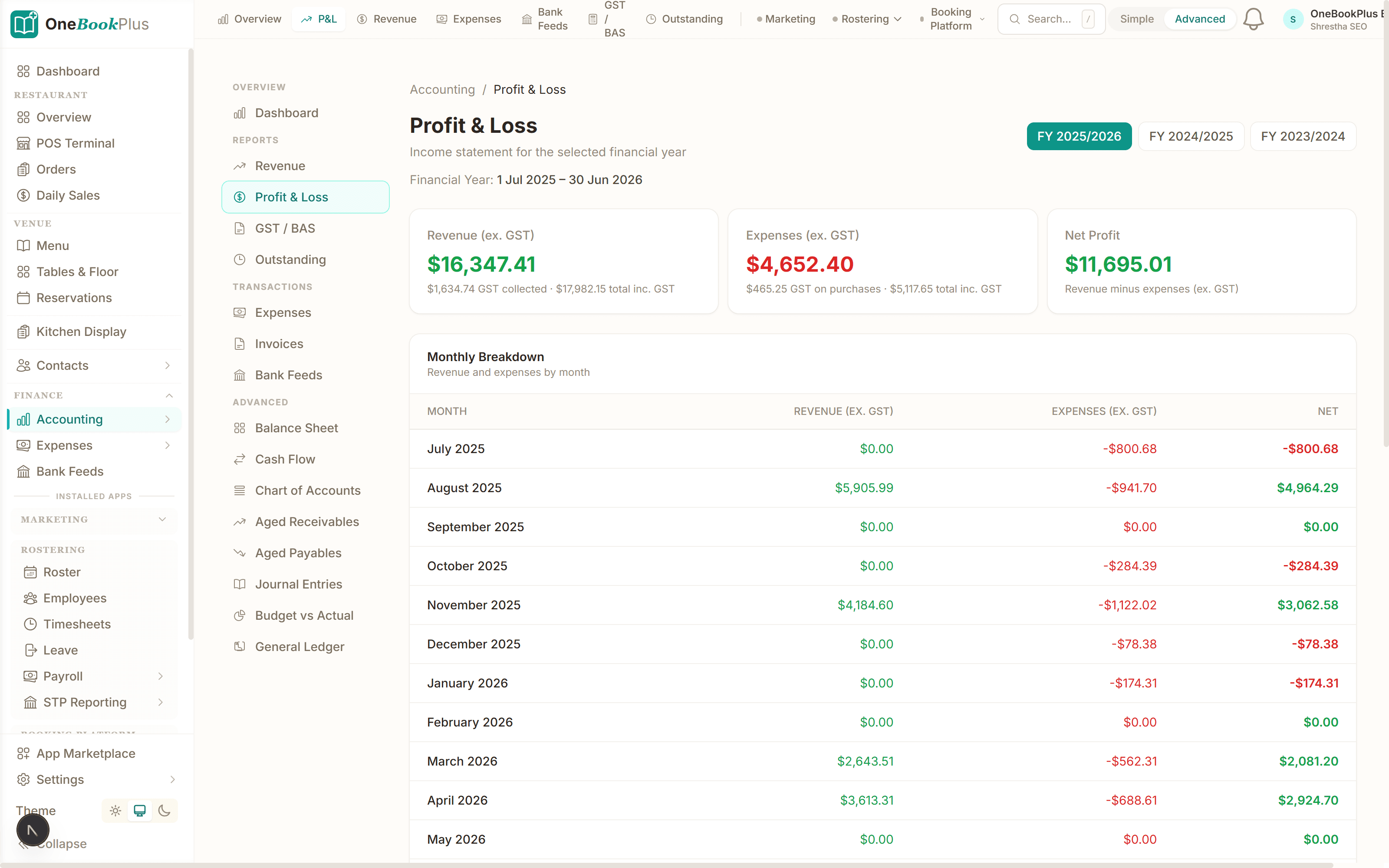
OneBookPlus connects to your practice bank account and reconciles incoming client payments against invoices automatically. Your own practice expenses — professional indemnity insurance, software subscriptions, CPD courses, office rent — are categorised and tracked against fee revenue so you can see real practice profitability, not just billings. GST is calculated on every invoice and expense. At BAS time for your own practice, the same clean export you generate for clients works for your own lodgement. It's the shoemaker finally getting shoes — the same rigour you apply to client work, applied to your own firm's finances.
Getting Started
Sign up for free — no credit card, no lock-in. Add your practice details, team members, and service types (BAS preparation, tax returns, bookkeeping, advisory). Import your client list from a CSV or add clients as they come in. Set up your online booking page and share the link with clients so they can self-schedule meetings. Most practices are fully operational within half an hour. The free plan supports up to five clients with unlimited invoices — ideal for testing the system on real engagements. Upgrade to a paid plan when your client base grows, at a fraction of what MYOB Practice or Xero HQ charges.